How Kiro Powers ease the adoption of Knowledge-Driven Development with Kaddo
Having the capabilities is not enough; adoption has to be easy too. A Kiro Power activates Kaddo's MCP server, Skills and KDD flow right inside the agentic IDE.
Originally published on AWS Builder Center (Spanish). Fourth article in the Knowledge Driven Development (KDD) series.
AI-assisted development agents are increasingly capable of navigating repositories, writing code, using tools and connecting to MCP servers. However, having access to the code does not necessarily mean understanding the system being modified. An agent can know a framework perfectly and still not know why an architectural decision was made, which business rule protects a given flow, or which other parts of the product might be affected by a change.
That is one of the problems I am exploring with Kaddo, an open-source toolkit that applies Knowledge-Driven Development (KDD) to AI-assisted software development. Kaddo keeps project knowledge close to the code and organizes it from four perspectives: Business, Product, Tech and Delivery. The idea is that this knowledge is not passive documentation, but context that helps understand, plan, implement and evolve the software.
As Kaddo grew, another challenge appeared: the CLI, the MCP server, agents, Skills and adapters already existed, but someone arriving for the first time still had to understand how all those pieces related to each other. The problem was no longer only about having the right capabilities, but about making them easy to adopt.
Having the capabilities does not mean knowing how to use them
In Kaddo, the CLI mainly handles deterministic operations, while agents work on activities that require interpretation. MCP acts as a bridge so other tools can query Kaddo’s knowledge and capabilities from the environment where the agent is working.
The architecture worked, but there was still a learning curve. A person had to understand what to query first, which Skill to use, when to refine a Work Item, when to start implementing, when to run Guard, and which knowledge to update after finishing a change.
In other words, having the tools available does not guarantee that the agent knows the right flow to use them.
At this point an interesting contribution appeared from the community. Esteban Fonseca developed the first Kaddo Power for Kiro, integrating the MCP server, the Skills and a set of instructions so that Kiro can better understand how to work within the KDD cycle. The contribution arrived as a Pull Request and was later integrated into the main Kaddo repository.
More than adding a new capability to the core, this contribution solved a different layer of the problem: the adoption experience.
The role of Kiro Powers
A Kiro Power lets you package specialized knowledge, Skills, MCP integrations and instructions that Kiro can use when a task requires it. For Kaddo this fit particularly well, because much of those capabilities already existed.
The current structure of Kaddo Power is relatively simple:
kaddo-power/├── plugin.json├── mcp.json├── skills/└── dev.kiro/plugin.json defines the Power, while mcp.json connects Kiro with @kaddo/mcp. The Skills
represent reusable Kaddo capabilities and dev.kiro/ contains the specific behavior Kiro needs to
follow the workflow.
This keeps an important separation. The Power does not reimplement Kaddo or move its logic into the IDE. The Core, the CLI and MCP keep their responsibilities; the Power adds a layer that helps the agent understand when and how to use those capabilities.
The relationship can be seen like this:
Developer ↓ Kiro ↓Kaddo Power ↓@kaddo/mcp + Skills ↓Project Knowledge ↓Business / Product / Tech / DeliveryThe difference seems small, but from a usage perspective it is important. Instead of first learning Kaddo’s entire architecture and only then starting to use it, a person can start from the problem they want to solve and follow a guided flow.
Kiro and Kaddo work context at two different levels
There is also an interesting conceptual relationship between Powers and Kaddo. Both try to reduce context problems, but they act on different layers.
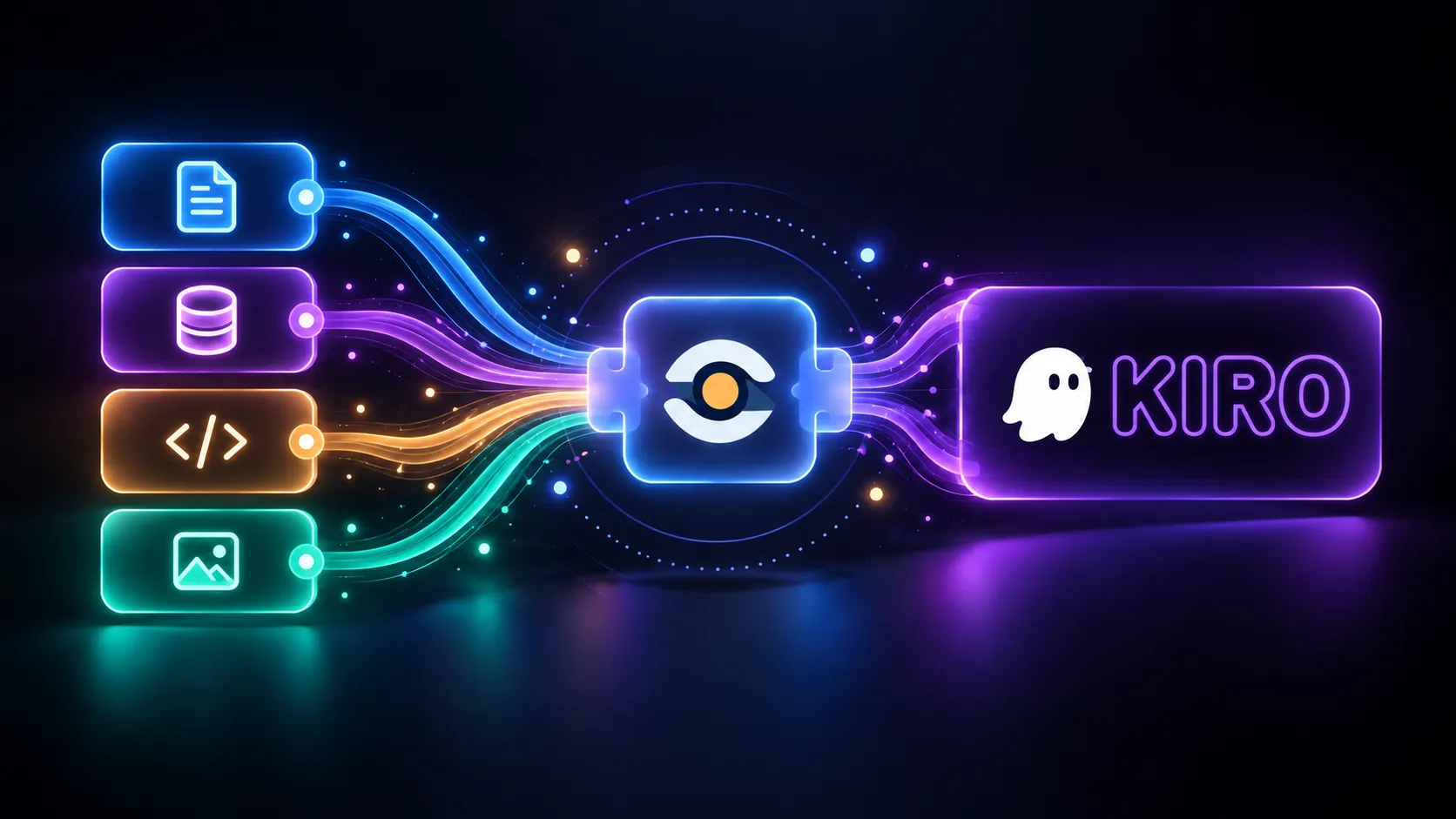
Kiro Powers helps decide when a specialized capability should enter the agent’s context. Instead of permanently loading everything installed, it can activate the knowledge and tools related to the current task.
Kaddo works on a different question: which project knowledge the agent needs to correctly solve that task. Instead of forcing it to rebuild the system by exploring the repository from scratch in every session, it organizes the knowledge and lets it retrieve context related to capabilities, Work Items, decisions, modules and other artifacts.
It could be summarized like this: Kiro Powers optimizes when a capability enters the context; Kaddo optimizes which project knowledge needs to enter the context.
This is aligned with an idea I have been working on in Kaddo: it is not about handing the agent all available information, but the knowledge that is sufficient to correctly understand the change it is making.
From a request to a change with context
Let’s think of a simple scenario. There is a Work Item about enabling user registration after a beta ends, and we ask Kiro to implement it.
Without enough context, an agent could quickly find a backend validation, modify it, run the tests and consider the work done. Technically it might have changed the right code, but the scope could still be incomplete if the frontend keeps showing registration as closed, there is a pending feature flag, or part of the flow lives in another module.
With Kaddo Power, the interaction can start by querying the project status and retrieving the Work Item. From there, the agent can review the related knowledge, assess potentially affected surfaces, use the refinement Skill when there is uncertainty, and prepare an implementation plan before modifying code.
The complete flow looks more like this:
Work Item → Project knowledge → Scope refinement → Impact analysis →Implementation plan → Human review → Implementation → Validation / Guard →Learning capture → Updated knowledgeThe point is not that the Power automates all these steps, but that it makes the flow visible inside the environment where the developer is already working.
The human is still part of the process
Making adoption easier does not mean removing human decision points either. Kaddo keeps an explicit separation between what an agent can discover or propose and what a person should confirm.
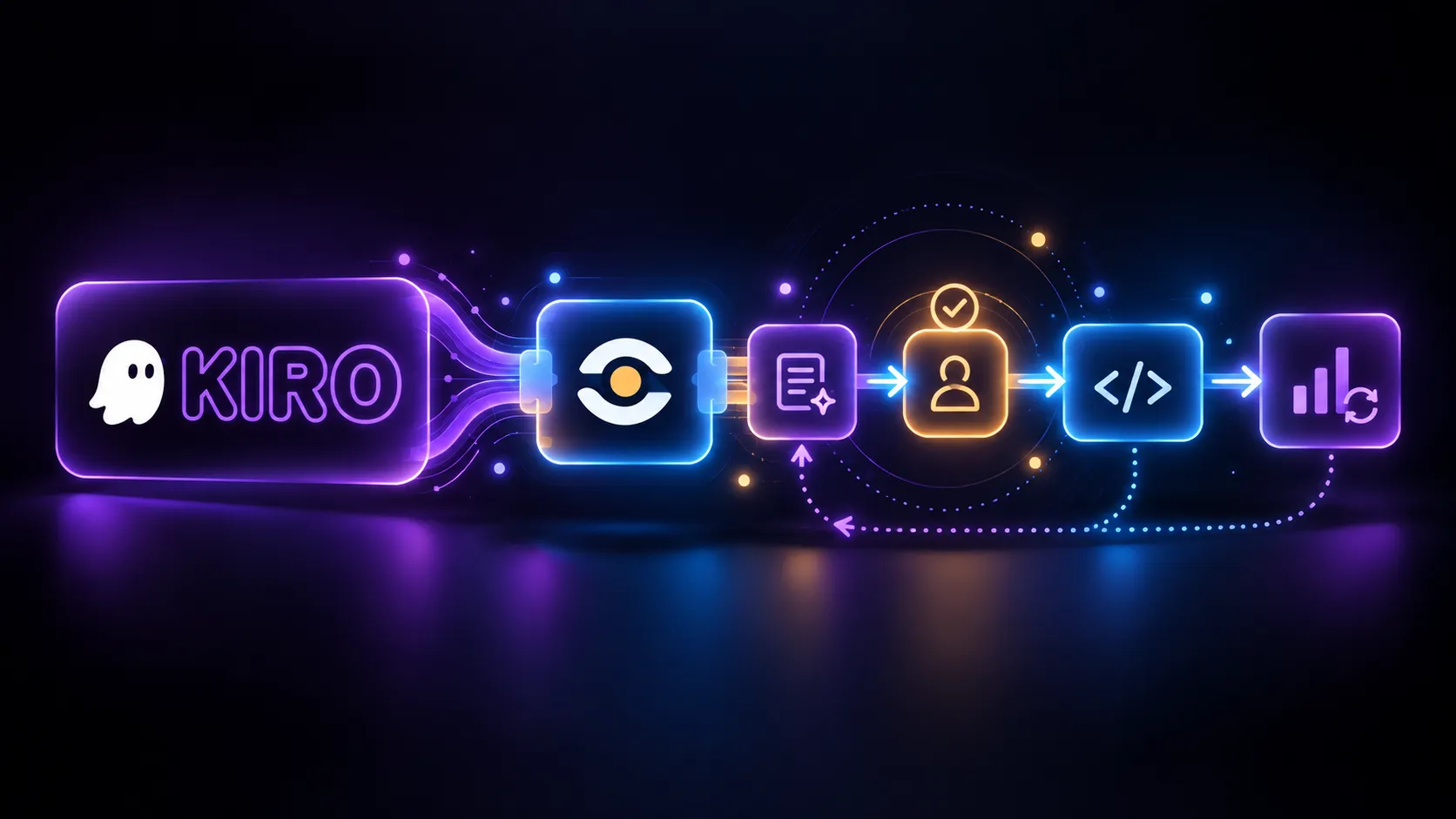
For example, the knowledge graph can help find possible impacts, but those results are candidates to investigate, not confirmed scope. In the same way, an agent can refine a Work Item and signal that it seems ready, but the readiness transition still has a human confirmation.
The model remains:
Agent discovers → Agent analyzes → Agent proposes →Human validates → Kaddo records → Agent continuesThis separation is important because Kaddo does not aim for the agent to simply do more things autonomously. The goal is for it to make better decisions with context, while people keep control over the decisions that affect scope, product or architecture.
The main benefit is reducing friction
Before the Power, a person might need to first understand the CLI, MCP, the agents, the Skills, the Work Item lifecycle and Guard to properly leverage Kaddo from an agentic IDE.
With the Power, the entry point can be much more natural: install it, open a project that uses Kaddo, and start working on the change you want to make. The concepts still exist and still matter, but they can be learned progressively while using the tool.
That change is especially relevant for open-source projects. Very often, the difficulty of adoption is not that a tool lacks features, but that there is too much distance between installing it and experiencing its real value. Kaddo Power tries to reduce exactly that distance.
From a Kiro Power to a portable capability
There is another aspect of this implementation I find interesting. Although Kiro is currently the first supported consumer, the Power uses the Agent Plugins format. This conceptually separates the Kaddo capability from the client that uses it.
The relationship looks like this:
Kaddo → Agent Plugin → Kiro PowerThis means Kiro can be the first integration point without turning Kaddo’s knowledge or Skills into elements that depend exclusively on Kiro.
It also reinforces an important idea for the project: integrations with AI tools should act as ways to access Kaddo, not become new sources of truth. The knowledge still lives in Kaddo, and the Power is responsible for making it more accessible within the agent’s flow.
Trying Kaddo Power
Kaddo Power is already available as part of Kaddo’s open-source repository:
https://github.com/Kaddo-kdd/kaddo/tree/main/kaddo-powerIt can currently be imported into Kiro as a Custom Power from GitHub. Once configured, Kiro can
connect with @kaddo/mcp, use the available Skills and follow the KDD flow over a project that
already has Kaddo initialized. (See also the Kaddo Power for Kiro guide in the
documentation.)
This community contribution ended up solving something I find especially valuable for the project: it did not just add another integration, but an easier way to access capabilities that already existed.
An MCP server can give an agent tools. Skills can tell it how to perform certain tasks, and a knowledge base can give it context about the system. The challenge is getting those pieces to appear together at the right moment without forcing every person to rebuild the flow manually; that is where Kiro Powers adds an interesting layer for Kaddo.
Kiro makes activating the capabilities easier, and Kaddo provides the project knowledge needed to use them with context. The result is a more direct way to bring Knowledge-Driven Development to the place where changes actually happen: the everyday flow between developers, agents and code.